


Toggl is a popular time-tracking app that many freelancers and remote teams use, but there are also many alternatives that offer more features and added benefits. While on the surface these Toggl alternatives might seem pretty similar, each comes with its own benefits and drawbacks.
For example, Everhour integrates right into your Trello or Asana Dashboard, but doesn’t provide any in-depth tracking options. Meanwhile, FreshBooks is extremely easy to use and comes with some well-designed data visualization tools, but won’t work for teams bigger than six people.
And of course, pricing is extremely variable: Some of the Toggl alternatives on this list are free, while the most expensive tops out at $399 per month.
To discover which time-tracking solution is ideal for you, check out the pros and cons to these 8 Toggl alternatives.
1. Hubstaff
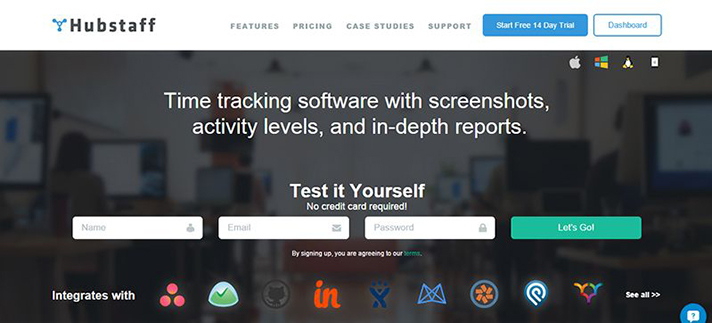
Our lightweight desktop app is a fantastic Toggl alternative if you or your team members want more advanced features. Along with one-click time tracking, tracking data, and off-line support, Hubstaff offers a whole host of functions that Toggl does not.
For example, you can set time limits and budgets. Let’s say you’ve hired a freelance web developer. You can afford to pay them for 20 hours of work each week, and no more – so you give them a weekly allotment of 20 hours. When they hit that cap, our program won’t allow them to log any more time.
In addition, Hubstaff enables automatic payroll. Don’t worry about the hassle of receiving invoices, approving them, and sending appropriate payments to each employee; our software will take care of everything. Since workers are held accountable by random screenshots, activity levels, and URL/application tracking, you also won’t have to worry about overpaying anyone.
(And if you don’t want to monitor one or all of your employees, simply change their individual settings.)
Hubstaff integrates with the software you already know, love, and use: from project management tools like Asana, Jira, Trello, and Podio; to payment apps like PayPal and QuickBooks; to sales and customer support solutions like Salesforce and Zendesk.
Price: free for Lite (1 user); starting at $5/month for Basic (1 user); starting at $9/month for Premium (1 user)
Track Remote Time with Hubstaff
Free for 14 Days
2. Paymo
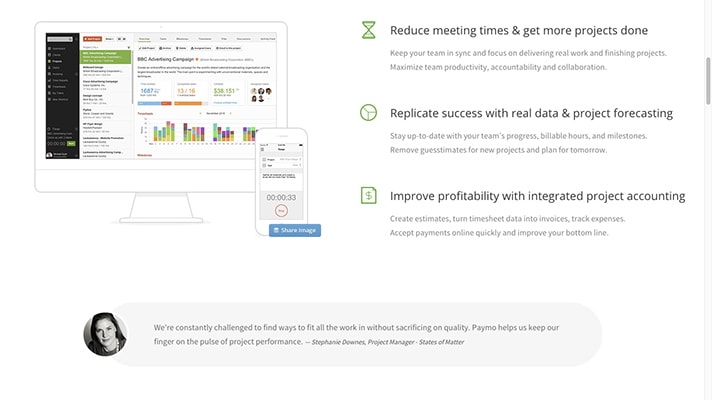
If you feel overwhelmed by the number of apps and tech that you use on a daily basis, Paymo might be a good fit for you. This app combines several important tasks: time tracking, project management, and file sharing.
To see how these functions work together, let’s walk through a use case.
You need to design a logo for a client, so you log into Paymo, pull up the appropriate project, add a “Logo” task, and start the timer. When you’ve finished, you end the timer; your work is automatically added to the timesheet. After the entire project is completed, you can use Paymo to send your invoice and receive your payment.
In addition to a desktop and web app, Paymo also offers “automatic” time-tracking–the software will log everything you do on your computer throughout the day, so at night, you can easily assign specific tasks to projects and clients.
Price: $4.95 per user/month
3. RescueTime
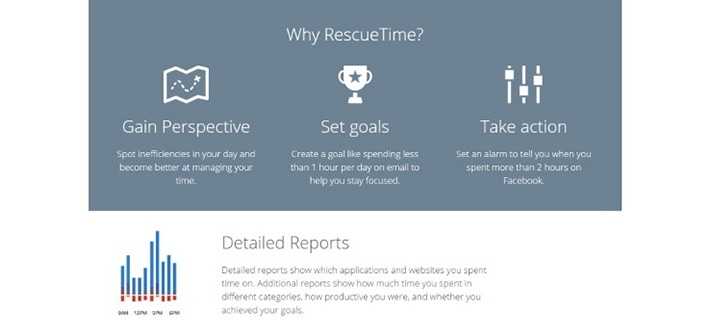
To monitor how productive you’re being, RescueTime is an excellent choice. It’s a downloadable app that runs silently on your computer. Every application you use and URL you visit is recorded, and they’re also categorized by utility: from “very productive” to “very distracting.”
The customizable reports are really helpful for learning more about how you spend your time and where you can become more efficient. For example, you might see that you spend a whopping three hours a day on news and media sites–way longer than you’d like. Fortunately, RescueTime allows you to set goals (say, “Spend 2 hours or less on News & Opinion.”)
In addition, you can enable FocusTime. As long as FocusTime is on, you won’t be able to visit any “distracting” or “very distracting” websites (at least, not without jumping through a ton of hoops). It’s incredibly handy when you need to buckle down and get some work down.
Price: Free for Lite version; $9/month for Premium
4. TimeDoctor
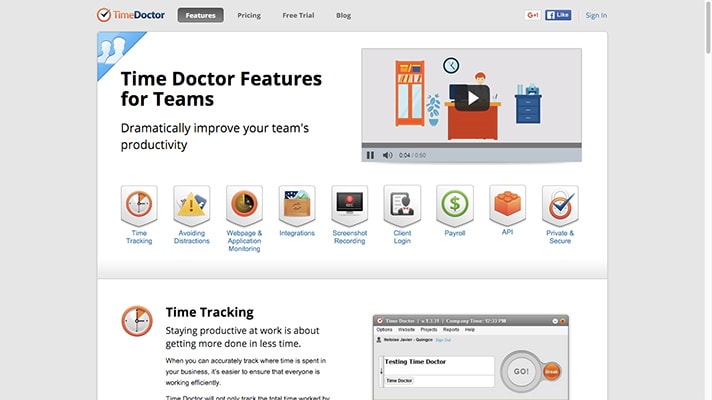
Like RescueTime, TimeDoctor is a desktop app that logs your applications and URLs. There are also iOS and Android apps. However, TimeDoctor also offers a timer that you and your team members turn on and off manually.
Each day and/or week, users receive a detailed report of how they spent their time. You can also create white-label reports for clients; note that to see these reports, clients will need to log into TimeDoctor.
If the software notices you’re spending too much time on Facebook, Youtube, Twitter, etc. while the timer is running, it’ll send you a little nudge to get back to work.
Also, if you’re managing a remote team, you have the option of taking periodic screenshots of your reports’ computer screens.
Price: free for limited use; $5/month for Solo plan; $9.99 per user/month for teams
5. DeskTime
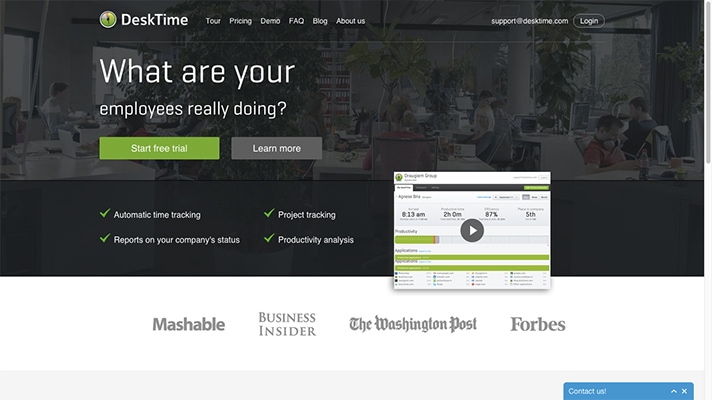
This application is pretty similar to RescueTime; it essentially offers the same set of features, including application and URL tracking and productivity stats.
Unlike RescueTime, however, it’s primarily meant for companies who employ on-site, hourly workers. Not only is DeskTime set up to show you who’s on time, absent, late, and so on, but it isn’t configured to run on weekends or on your workers’ personal computers.
Also, depending on the nature of an employee’s work, the automatic categorization might be problematic. Let’s say you’ve hired a temporary worker to help you answer customer inquiries over social media. If that worker goes on Twitter and Facebook, DeskTime will classify their time as “unproductive.”
For those two reasons, I wouldn’t recommend DeskTime if you’re working with freelancers or remote workers.
Price: free for 1 user; $9 per user/month (up to 20 users); $199/month (21-50 users); $299/month (51-90 users); $399/month (91-200 users)
6. Everhour
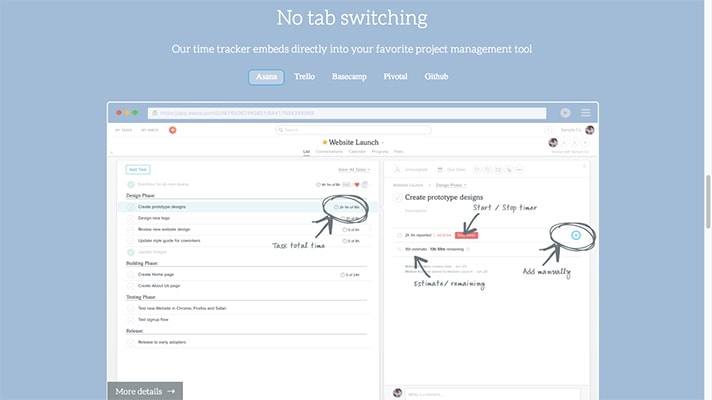
Do you already rely on a project management app, like Asana, Trello, Basecamp, Pivotal, or Github? If so, consider installing Everhour’s browser extension (available for Safari, Chrome, and Firefox).
It embeds straight into your tool of choice. You and your team members can use the timer, or enter time manually. The reporting options are pretty robust: Everhour allows you to see what’s been done during a certain period of time, which activities each individual has worked on, and how much progress has been made on a project.
Once you’re ready to do something with that data, export it to Google Drive, Excel, or a CSV file. Or if you want to bill a client, the app links to FreshBooks and Xero.
Everhour is ideal for those who want to track their time but feel tired merely thinking about learning to use a new tool. On the other hand, it’s not a good fit for managers who want to monitor their reports’ productivity.
Price: $7/month (1 user); $19/month (2-5 users); $39/month (6-15 users); $119/month (16-30 users); $249/month (31-50 users); $399/month (51-100 users)
7. Harvest
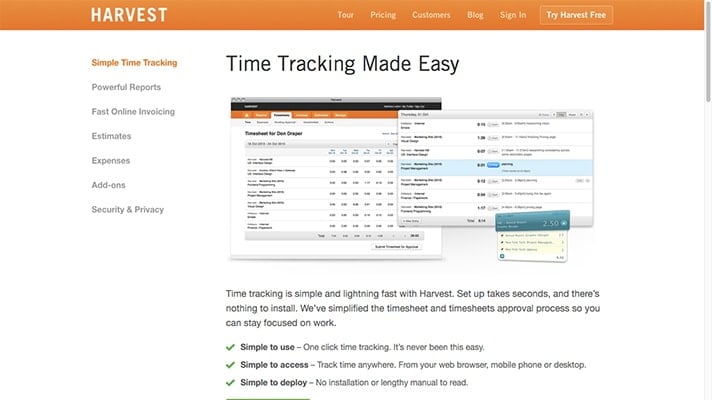
Your employees can log their time via Harvest in a variety of different ways: on their computer, from the phone app, or even on their Apple Watch.
Harvest has some other handy features. Set hourly and fee-based budgets to ensure that your project is staying on-track; run reports on billable and non-billable times for specific employees, tasks, clients, and projects; and send automated messages to clients reminding them to pay.
Supervisors have the power to not only edit and approve timesheets but also approve expenses–definitely not a standard feature in a time-tracking app.
Would Harvest work for freelancers and independent workers? Sure, but you won’t be using many of the features that make Harvest worth using in the first place.
Price: free for limited plan (1 user); $12/month for Solo (1-3 users); $49/month for Basic (5-9 users); $99/month for Business (10+ users)
8. FreshBooks
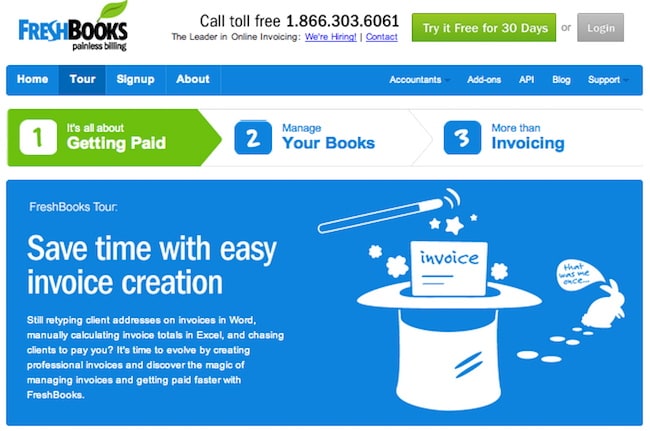
You probably know FreshBooks as the online invoicing platform. The company added time-tracking functionality to its existing product – so to use this option, you’ll need to invoice via FreshBooks.
Having your time-tracking tool inside your payment platform is definitely convenient. Just click the timer, and FreshBooks will keep track of your minutes spent working. To ensure that you’re not spending too long on any tasks, set project estimates. Your actual time spent working will be displayed alongside your projected time.
FreshBooks has done a great job with its calendar tab, which gives a bird’s-eye view of how much time you and your team members have logged per day. For example, on Monday you might see “17”: that indicates in total, the team worked 17 hours.
But your team has to be fairly small to use Freshbooks. The most comprehensive plan only covers 5 staff members.
You should also factor in the apps the platform works with, although some integrations (PayPal, Basecamp) are more useful than others (Mailchimp).
Price: $14.95/month (bill up to 5 clients); $24.95/month (bill up to 25 clients); $34.95/month (bill up to 50 clients & add 1 staff member); $49.95/month (bill up to 250 clients & add 5 staff members)
Original Post –


![10 Benefits of the Internet of Things You Should Know [2027]](https://www.appstory.org/wp-content/uploads/2025/03/ATS-10-Benefits-of-the-Internet-of-Things-You-Should-Know-2025@2x-300x142.png)