Bookipi — Invoice Maker & Estimate App: Full Review
Bookipi's Invoice Maker & Estimate App is a mobile-first invoicing tool aimed at freelancers, tradespeople, and small business owners. Built for fast, reliable invoicing, estimates, and receipts, it's targeted at trades (builders, electricians, plumbers), creative freelancers and consultants, gig and delivery workers, e-commerce, retail, and contractors — essentially anyone who wants simple, professional billing.
- Built for: Freelancers, tradespeople, and small business owners
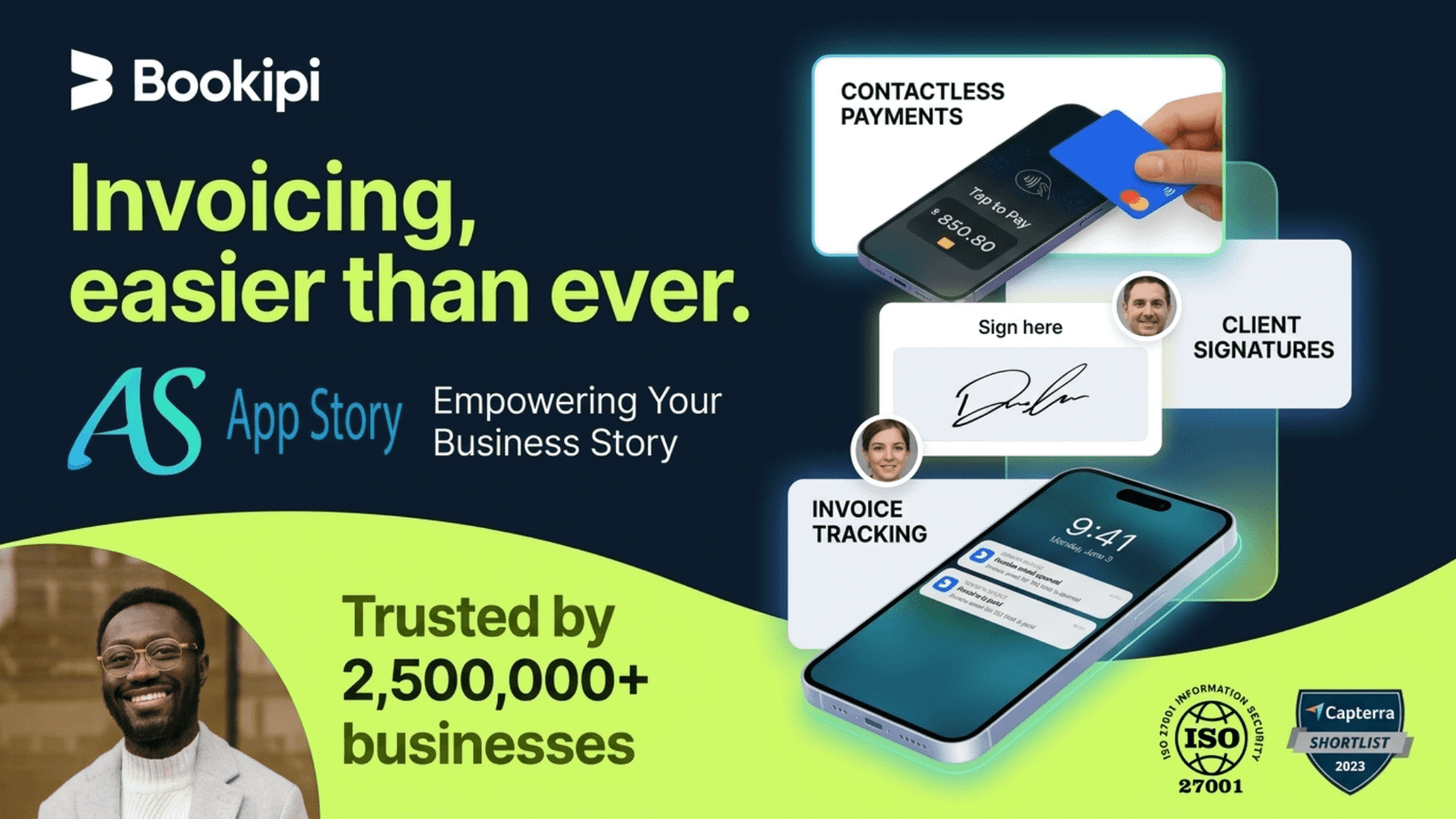
- Reach: Trusted by 2.5M+ businesses across 150+ countries
- Core promise: Create and send professional invoices in minutes — anywhere, anytime
- Ratings: App Store 4.9/5 and Play Store 4.8/5 (50,000+ reviews)
Overall Rating: ⭐⭐⭐⭐ (4/5)
✅ What It Does Well
⚡ Speed & Simplicity
- Genuinely fast — create and send a professional invoice in under a minute. No laptop, no desk. Just tap, fill in the details, and send.
- Smart auto-fill — Bookipi instantly auto-fills client details and line items so you can send invoices right from the job site.
- Auto-calculations — add services as line items, enter hours and rates, and the app handles subtotals, totals, and fixed-sum service items automatically.
- Dead-simple workflow — add customer details, choose your services or products, and tap send. No accounting knowledge needed.
- Edit invoices even after sending.
🔄 Sync & Accessibility
- Multi-platform — your account syncs automatically across mobile and web apps, so you can create and manage invoices from any device.
- Gmail integration — a unique extension brings Bookipi right into your inbox to generate and send invoices from your Gmail account.
- Built-in client management — import contacts, call or email clients directly, and auto-fill invoices instantly.
💳 Payments & Tracking
- Flexible payment options — accept credit cards, PayPal, digital wallets, or Tap to Pay (US, UK, AU), turning your phone into a payment terminal.
- Full visibility — real-time notifications the moment an invoice is opened, due, or paid.
- Recurring invoices — schedule weekly, monthly, or annual billing for repeat clients; once set up, the system handles the rest.
- Auto follow-ups — automatic reminders nudge clients on due dates, so you stop chasing late payments.
- Extra touches — send receipts after recording payment, request deposits, and apply a credit card surcharge.
- Easy sharing — send invoices via email or WhatsApp and track when they're read.
🎨 Customization, Documents & Reporting
- Complete customization — add your logo, adjust tax fields, and include personalized details; subscribers can adjust fonts, colors, and more.
- eSignatures included — create estimates, contracts, or proposals in the same platform with multi-signer functionality.
- Tax-ready reporting — generate PDF reports for income tracking, transaction summaries, and tax prep, filtered by month, client, or item.
- Loved by trades — attach photos to invoices to show issues, before/after work, and job documentation.
- Organized records — sort, filter, and export invoices or receipts as PDF by customer, item, or date for hassle-free bookkeeping.
🔒 Security & Support
- ISO 27001 certified with industry-leading security, regular audits, and secure account access from any device.
- Support within 12 hours, plus how-to guides, videos, and live chat.
- Users often describe support as fast, reliable, and helpful — including on the free version.
⚠️ Where It Falls Short
💰 Pricing & the Free-to-Paid Backlash
- The "free" plan is now very limited — you can create up to three documents (invoices, estimates, or proposals) within any rolling 30-day period.
- Paid plans aren't cheap — the Starter plan runs about US$91.20/year (or US$9.99/month), while the Professional tier costs US$468/year (or US$52/month).
- Longtime users felt blindsided. Many were historically free users who suddenly hit a paywall without notice — a frequent complaint is the lack of an advance email warning of the change rather than surfacing it only when the app is opened.
💳 Payment Processing Friction
- Some users report delays in receiving funds and high fees.
- Stripe dependency can bite — one contractor said a client paid by card, but three weeks later no payment arrived and Stripe refunded the client.
- A recurring gripe: it takes too long to get paid, even with repeat customers (some report ~10-day waits).
✏️ Feature & Stability Gaps
- Editing limitation — once an invoice is marked paid, it's no longer editable, a real problem for industries like weddings where details change constantly.
- Users mention limited font options, occasional glitches, and challenges sorting or editing past invoices — and wish for more layout choices and offline access.
- Stability complaints — some report the app freezing, forcing a save and restart.
- Search issues — a few users report the search function failing, making old invoices hard to find.
- Multi-business limits — you can't easily run two separate businesses from one device.
🎧 Support & Desktop Quibbles
- Some find the desktop experience less intuitive than mobile, citing setup, internet dependence, or multi-business management issues.
- Mixed support — despite the 12-hour promise, experiences vary from genuinely helpful to unhelpful bot replies; some miss having phone support.
- A few cite slow billing communication and help articles lacking detail for specific problems.
💰 Pricing Snapshot
| Plan | Cost | Highlights |
|---|---|---|
| Free | $0 | Up to 3 documents per 30 days |
| Starter | ~$91.20/yr ($9.99/mo) | Unlimited invoices |
| Professional | ~$468/yr ($52/mo) | Advanced AI tools, website builder, proposals, contracts, scheduling |
📊 Scorecard
| Category | Score |
|---|---|
| 🚀 Ease of Use | ⭐⭐⭐⭐⭐ |
| 💳 Payments | ⭐⭐⭐⭐ |
| 🎨 Customization | ⭐⭐⭐⭐ |
| 💰 Value (after paywall) | ⭐⭐⭐ |
| 🎧 Support | ⭐⭐⭐ |
| Overall | ⭐⭐⭐⭐ (4/5) |
🏆 Verdict
Bookipi delivers exactly what it promises for its core use case: a tradesperson or freelancer who finishes a job and needs a professional invoice out the door from their phone in under two minutes. The interface is genuinely beginner-friendly, the sync works, and the payment notifications close the loop on getting paid.
The caveats are real, though. The transition from free to paid alienated a vocal segment of its user base, the inability to edit paid invoices is a workflow blocker for some industries, and payment processing fees and delays warrant scrutiny if in-app payments are central to your business.
✅ Best for: Solo operators and small trades businesses who invoice from the field and value simplicity over deep accounting features.
❌ Look elsewhere if: You need full bookkeeping, complex multi-business management, heavy invoice customization, or you're price-sensitive about subscriptions — in which case compare against Wave, Zoho Invoice, or QuickBooks before committing.
Bottom line: Bookipi nails fast, painless invoicing on the go. The free tier is a low-risk way to test whether it fits your workflow before committing to a paid plan.
Visite for more details : Invoice Maker App
App Store: https://apps.apple.com/us/app/invoice-maker-estimate-app/id1419627421
Play Store: https://play.google.com/store/apps/details?id=bookipi.invoice.maker.estimate.billing&hl=en_US